EN

Hearing Aid Feedback Cancellation: How It Works and What Buyers Should Evaluate
2026/11/09
Discover how hearing aid feedback cancellation works and what distributors should evaluate when comparing adaptive feedback management technologies.
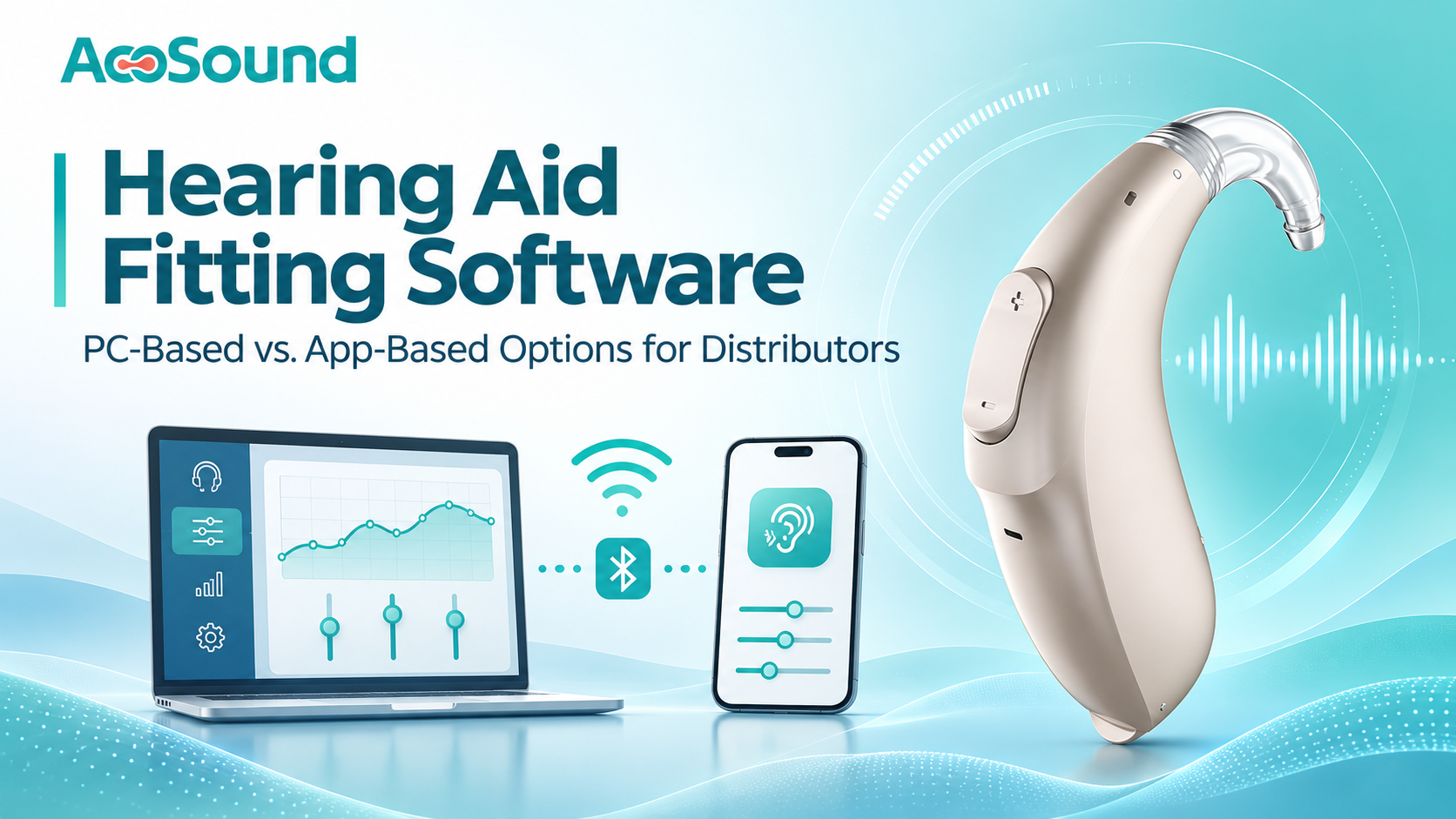
Hearing aid fitting software helps configure digital hearing aids and supports adjustments for individual listening needs. As hearing technology develops, manufacturers offer several fitting methods, including computer-based programming, smartphone applications, and remote services. A clear understanding of hearing aid fitting software helps distributors compare products and plan after-sales support.
PC-based fitting, everyday app control, self-fitting, and remote fitting are different functions. A smartphone connection alone does not prove that a device supports professional fitting. This guide explains the main approaches and provides a practical checklist for evaluating a manufacturer's solution.
Hearing aid fitting software refers to digital tools used to configure supported hearing aid settings for an individual wearer. Depending on the product and platform, functions may include:
Adjusting supported amplification parameters.
Configuring frequency-specific settings.
Selecting or modifying listening programs.
Managing available sound-processing functions.
Saving fitting settings for follow-up adjustments.
Functions depend on the hearing aid model, software platform, accessories, and user permissions. Distributors should request model-specific documentation rather than assume that every product in a range has identical capabilities.
PC-based fitting uses dedicated computer software to program compatible hearing aids. It is commonly intended for hearing care professionals or trained fitting personnel.
A professional hearing aid fitting software platform may allow users to configure supported amplification parameters, set listening programs, review fitting information, and update settings during follow-up appointments.
Some systems require a programming interface, cable, or wireless accessory to connect the computer to the hearing aid. Distributors should confirm:
Supported computer operating systems.
Software version and installation requirements.
Required programming interfaces and accessories.
Compatible hearing aid models.
Available manuals, training, and technical support.
The exact functions of PC-based fitting software should always be verified against the manufacturer's specifications.
App-based solutions use a compatible smartphone or tablet to communicate with a hearing aid. Their capabilities vary, so it is important to distinguish three types of functions.
Everyday app control
These user-facing functions may include volume adjustment, listening-program selection, battery information, and connection management. They make routine operation more convenient.
Self-fitting
Some products provide a guided process that allows users to complete supported adjustments based on their listening preferences. The scope varies by device and intended use. Self-fitting is not automatically equivalent to a professional hearing assessment.
Professional app-based fitting
Certain platforms allow trained professionals to configure supported hearing aid parameters through a mobile application. This is different from basic volume control and must be confirmed for each compatible model.
When assessing app-based hearing aid fitting, distributors should check phone operating systems, app version, language options, Bluetooth requirements, regional availability, and the functions available to each user type.
| Evaluation point | PC-based fitting | App-based fitting |
|---|---|---|
| Main device | Desktop or laptop computer | Compatible smartphone or tablet |
| Typical users | Professionals or trained personnel | Users, professionals, or both |
| Connection | Programming interface, cable, or supported wireless link | Supported wireless connection, often Bluetooth |
| Main purpose | Professional programming and configuration | Everyday controls or supported fitting workflows |
| Compatibility | Computer OS, software, interface, and device model | Phone OS, app version, and device model |
| Remote functions | Depend on the manufacturer's platform | Available only when specifically supported |
Neither approach is automatically better. The right option depends on target users, fitting requirements, product design, and service model.
Fitting connectivity should also be distinguished from audio streaming. Bluetooth may support app communication or programming without providing direct audio streaming. Distributors should check these as separate specifications.
These terms are related but should not be used interchangeably.
Professional fitting is carried out by a trained hearing care professional using the product's supported process. It may involve dedicated software, fitting accessories, and an assessment of the user's hearing needs.
Self-fitting allows users to complete a supported, guided adjustment process. Available controls depend on the product and applicable requirements. It does not replace every aspect of professional assessment or care.
Remote fitting enables certain adjustments when the user and professional are in different locations. Remote hearing aid fitting depends on compatible devices, software, and a supported service workflow. Depending on the platform, the process may take place in real time or through an asynchronous workflow. Remote fitting is a service capability, not simply another name for app control.
A remote service may use a mobile application or another supported platform. Distributors should confirm account requirements, connectivity, permissions, and compatible devices before describing this capability to customers.
When evaluating hearing aid fitting software, look beyond whether a computer program or mobile app is available. Review the following points.
1. Model compatibility
Request a model-by-model list showing which devices support PC fitting, app-based fitting, self-fitting, and remote services. Do not assume all models in one product family share the same functions.
2. Available adjustments
Ask for a feature list or demonstration. Confirm which parameters can be changed, which functions are available to users, and which require professional access.
3. Hardware and system requirements
For PC solutions, check computer operating systems, software installation, programming interfaces, and accessories. For mobile solutions, check Android and iOS compatibility, supported phones, app versions, Bluetooth requirements, and language availability.
4. Ease of use
Review the interface, connection process, fitting workflow, user instructions, and language support. A clear workflow can help reduce training time and support requests.
5. Remote service capability
If remote follow-up is important, confirm whether the platform supports real-time or asynchronous adjustments. Check account requirements, network conditions, professional permissions, and technical support.
6. Training and after-sales support
Ask whether the manufacturer provides installation guides, user manuals, fitting instructions, training materials, troubleshooting, and software updates. These resources matter when supporting dealers across multiple markets.
7. Data security and privacy
Fitting platforms may process personal hearing-related information. Understand how data is stored, transmitted, accessed, and protected. International distributors should consider the privacy and data-protection requirements in their target markets.
Different business models may require different fitting capabilities.
Hearing care clinics: Professional programming and follow-up workflows may be priorities.
Retail distributors: Professional fitting support combined with convenient user app controls may be useful.
Online hearing aid businesses: Guided mobile workflows may improve convenience when appropriate for the product and service model.
Distributors offering remote services: Remote adjustment capabilities may help support customers in different locations when the device and platform allow it.
The most suitable solution matches the target market, customer expectations, staff capabilities, and available after-sales services.
Is fitting software necessary for every digital hearing aid?
No. Some products offer limited user controls, while programmable models may require dedicated software or a compatible application. Requirements vary by model.
Is app control the same as professional fitting?
No. Basic app control may provide volume or program changes. Professional fitting involves additional supported programming functions and an appropriate professional workflow.
Do all Bluetooth hearing aids support app-based fitting?
No. Bluetooth connectivity alone does not guarantee compatibility with a particular application or fitting function. Check model-specific documentation.
Can remote fitting replace in-person hearing care?
Not entirely. Remote services can support certain follow-up adjustments, but they do not replace every aspect of hearing assessment, physical fitting, or professional care.
What should distributors request from a manufacturer?
Request software specifications, model compatibility lists, supported functions, system requirements, installation instructions, training materials, and after-sales support details.
PC-based and app-based solutions serve different purposes in the digital hearing aid market. Computer software may support professional programming, while mobile applications may provide everyday controls, guided self-fitting, or professional workflows, depending on the platform.
Remote fitting adds another service option when the device and software ecosystem support it. For distributors, the key is to verify actual functions, compatibility, usability, and technical support for each model rather than relying on broad connectivity claims.
AcoSound provides digital hearing aid solutions with different fitting, app connectivity, and technical support configurations for international business partners. Learn more about AcoSound App Control & Connectivity to explore the capabilities available across its supported solutions.
2026/11/09
Discover how hearing aid feedback cancellation works and what distributors should evaluate when comparing adaptive feedback management technologies.

2026/11/06
Explore hearing aid technology, remote fitting, AI-assisted interaction and AcoLink connectivity for hearing care professionals and global distributors.
2026/11/04
Explore key considerations for distributors selecting hearing aids for seniors, from BTE and RIC styles to usability, power options and after-sales support.
2026/11/02
A practical guide to Bluetooth hearing aid functions, app control, audio streaming, phone compatibility and supplier checks for distributors.