Convenient Hearing Aid Control, Right from Your Smartphone
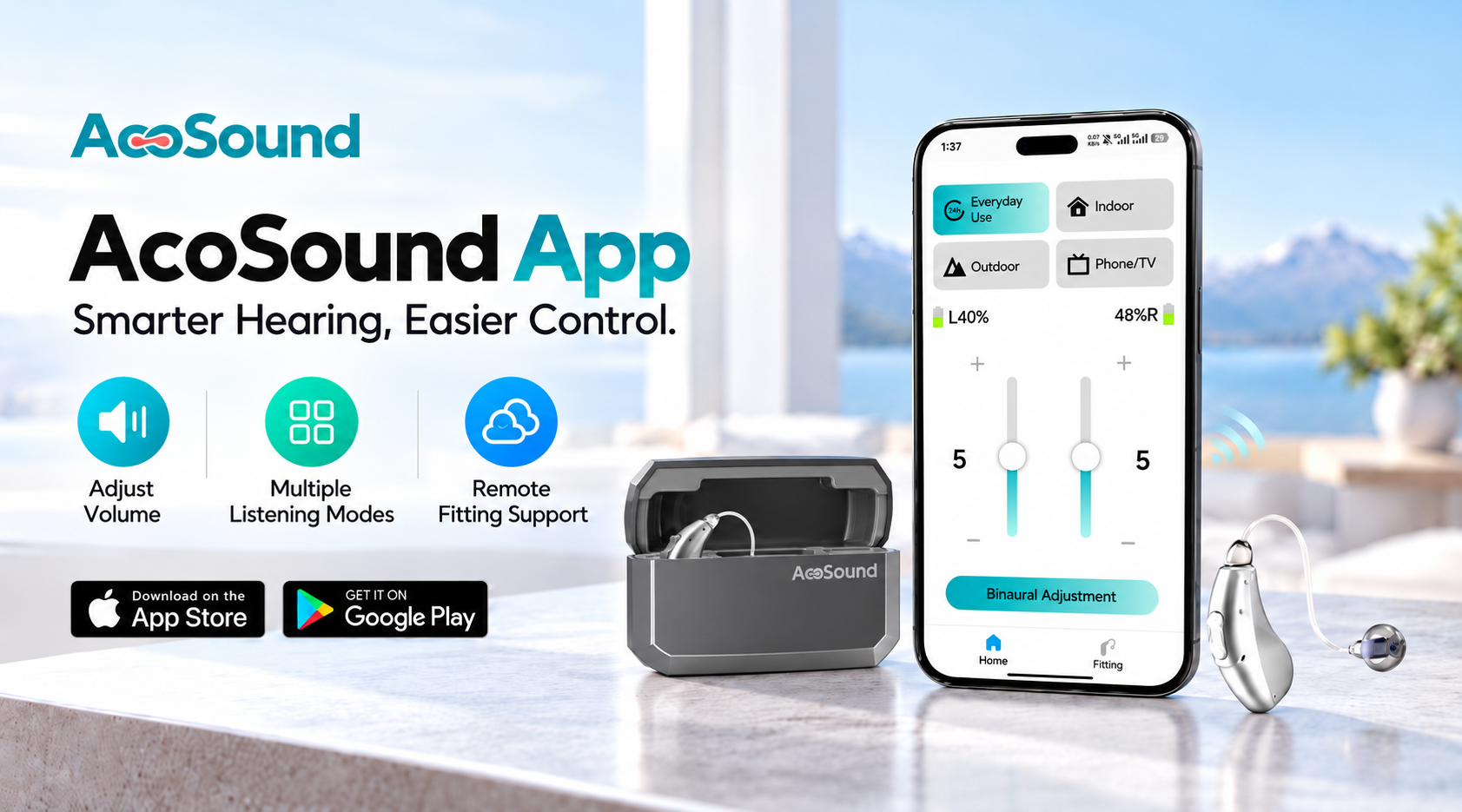
The AcoSound App offers a convenient way to manage compatible hearing aids through a smartphone. Users can access available sound controls, adjust listening preferences, and manage supported device functions through an easy-to-use interface.
Designed to make everyday hearing aid management more accessible, the app helps users personalize their listening experience while providing a practical support tool for hearing care professionals and distributors.
Key App Features
1. Easy Volume Adjustment
Adjust hearing aid volume directly from your smartphone.
Increase or decrease volume according to listening needs.
Make convenient adjustments without handling the hearing aids.
Fine-tune available user controls for different situations.
2. Listening Mode Selection
Switch between the listening programs available on your hearing aid model.
Different programs may be configured for everyday conversations, indoor environments, outdoor activities, or other listening situations.
Available programs depend on the device model and its fitting configuration.
3. Independent Hearing Aid Control
For compatible bilateral devices, adjust the left and right hearing aids independently when supported.
This allows users to manage available settings for each ear according to their listening preferences.
4. Device Information & Connection
View available device information and manage supported connection functions through the app.
Depending on the hearing aid model and app version, available information may include:
5. Hearing Aid Fitting & Adjustment
Professional hearing aid fitting is an important part of personalized hearing care.
For supported programmable models, hearing care professionals can use the designated fitting solution to configure hearing aid parameters according to individual hearing needs.
Professional fitting capabilities and requirements vary by model and should be distinguished from everyday user controls available in the AcoSound App.
How to Connect Your Hearing Aids
Step 1 — Confirm Compatibility
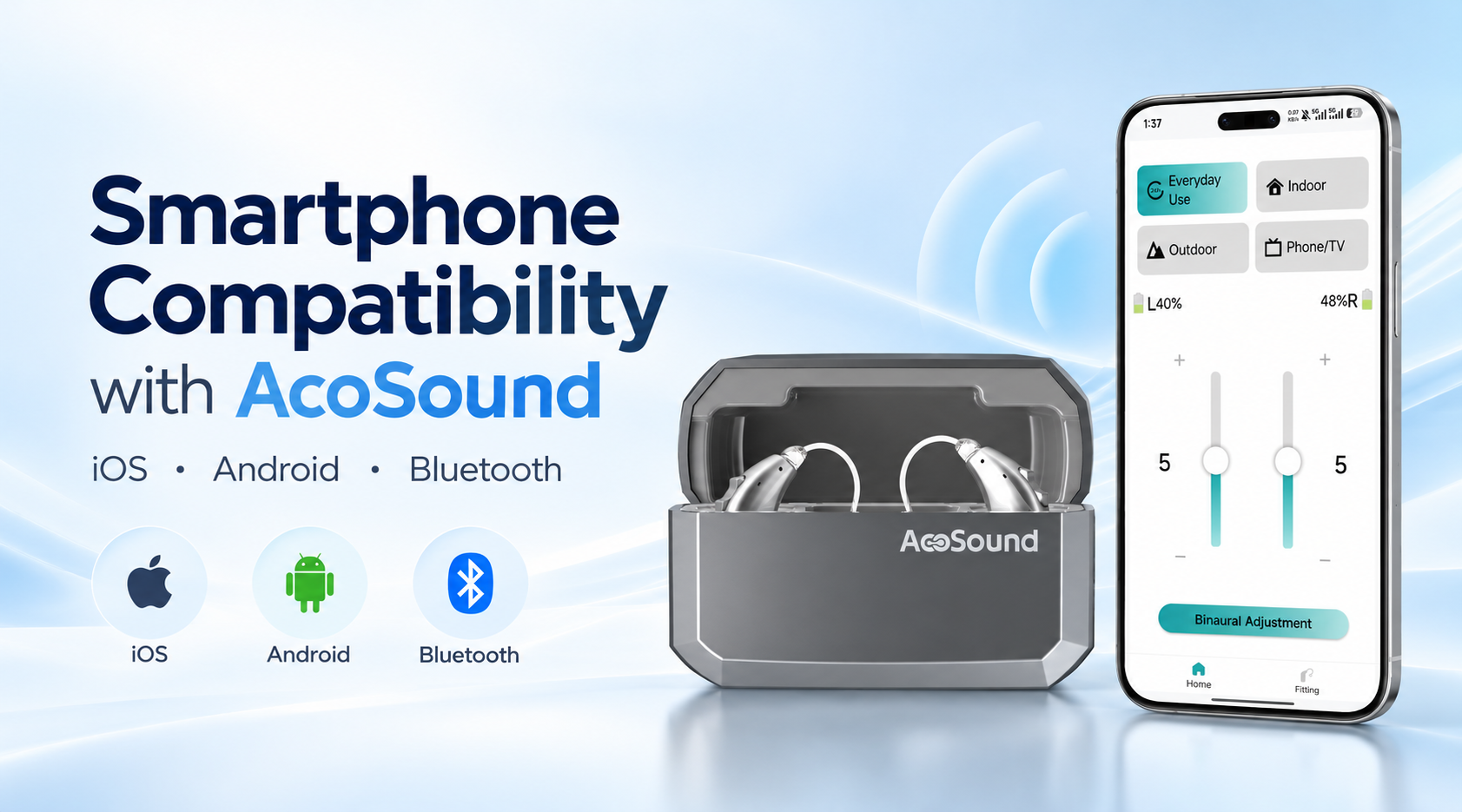
Check that your hearing aid model supports the AcoSound App and that your smartphone meets the applicable requirements.
Step 2 — Prepare Your Devices
Make sure your hearing aids are sufficiently charged and Bluetooth is enabled on your smartphone.
Step 3 — Open the AcoSound App
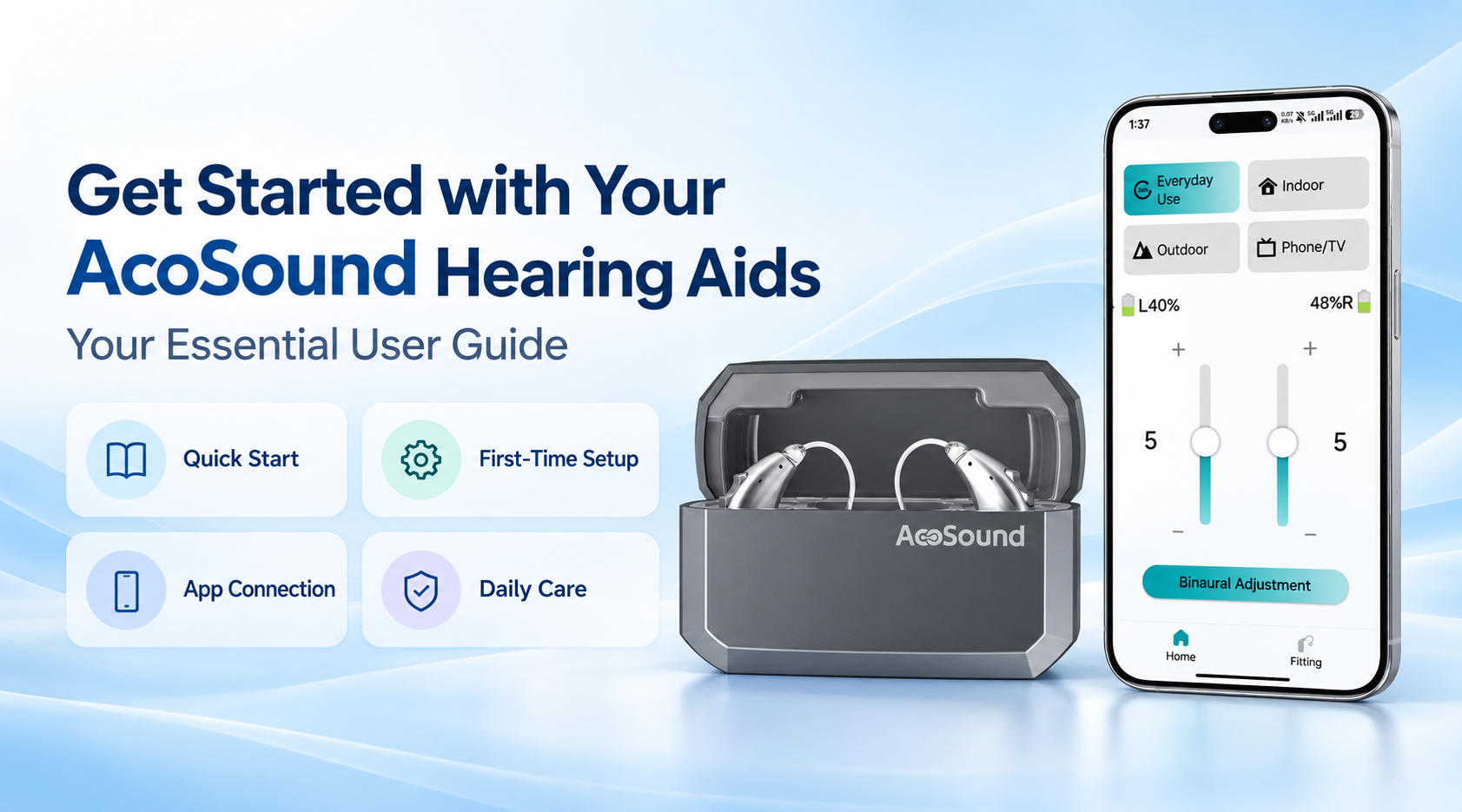
Install the appropriate app version from an official download source and follow the model-specific connection instructions.
Step 4 — Complete the Connection
Follow the on-screen instructions to connect your compatible hearing aids.
Step 5 — Explore Available Controls
Once connected, explore the supported settings and controls for your hearing aid model.
Support for Hearing Care Professionals & Distributors
AcoSound provides product information and technical guidance to help business partners understand supported hearing aid functions and connection requirements.
For assistance with compatible models, fitting solutions, or app-related questions, contact our team for further information.
Need Technical Information?
Explore compatible AcoSound hearing aid models and available app-based functions.
Contact Our Team →
 EN