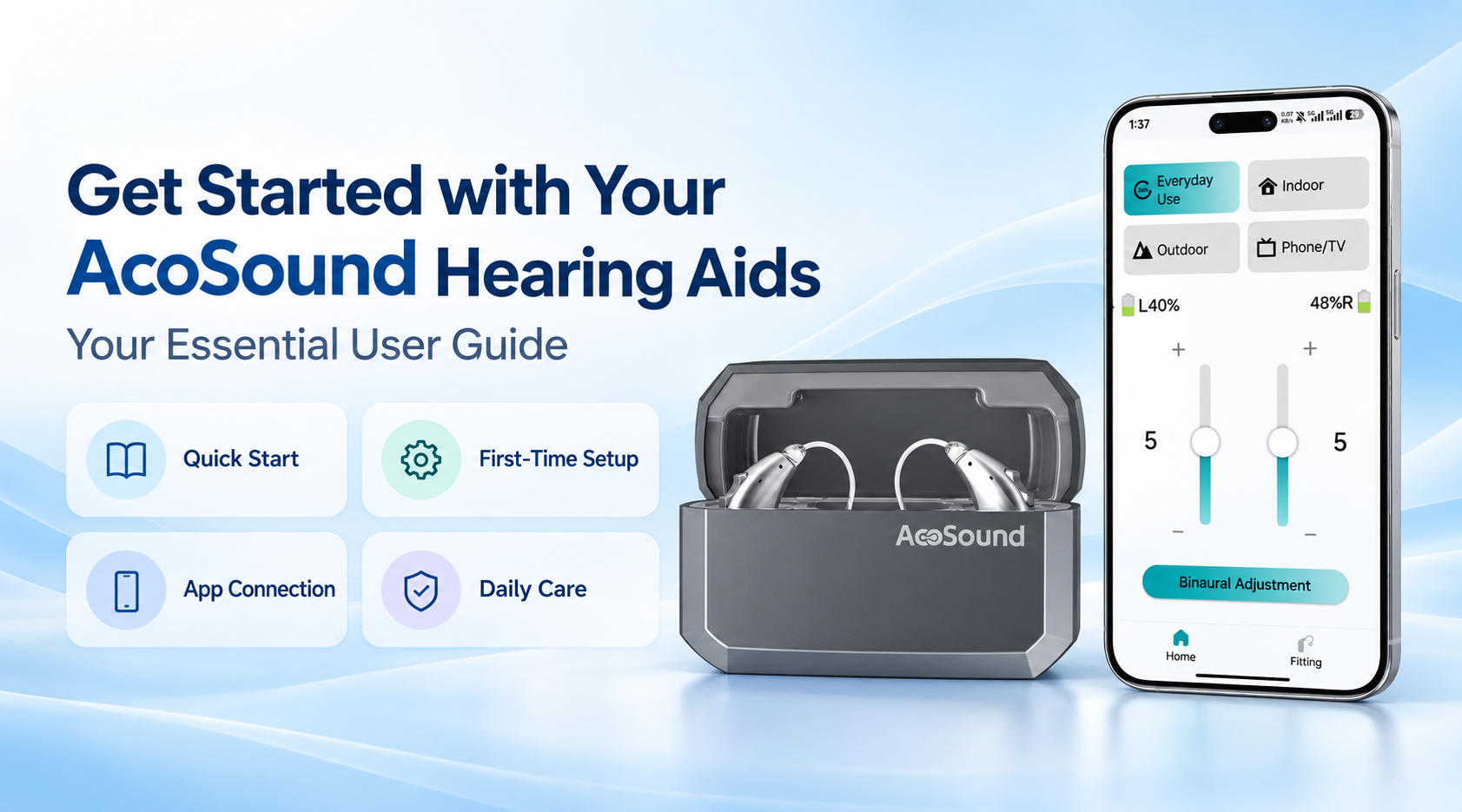
Everything You Need to Get Started with Your AcoSound Hearing Aids
Welcome to the AcoSound User Guide Center.
Whether you are setting up your hearing aids for the first time, learning how to use available features, or looking for maintenance information, our guides are designed to help you get the most from your devices.
Product features and operating procedures may vary by model. Always refer to the instructions provided with your hearing aids.
1. Getting Started
Check Your Package Contents
Before using your hearing aids, check the package and confirm that all applicable accessories are included.
Depending on the product model, these may include:
Refer to the product-specific packing list for the exact contents.
Identify Your Hearing Aids
Check the left and right markings, where applicable, before wearing your hearing aids.
Make sure you understand the correct wearing position and the operating method for your particular device.
2. First-Time Setup
Follow these basic steps before using your hearing aids:
Step 1 — Prepare the Device
Charge the rechargeable hearing aids or prepare the appropriate batteries according to the product instructions.
Step 2 — Check the Ear Tips
Make sure the supplied ear tips or domes are correctly attached and suitable for the device.
Step 3 — Wear Your Hearing Aids
Position the hearing aids gently and securely according to the wearing instructions.
Step 4 — Power On
Turn on the devices using the method specified in the user manual.
Step 5 — Check the Sound
Confirm that the devices are operating properly. If professional fitting is required, follow the guidance of your hearing care professional.
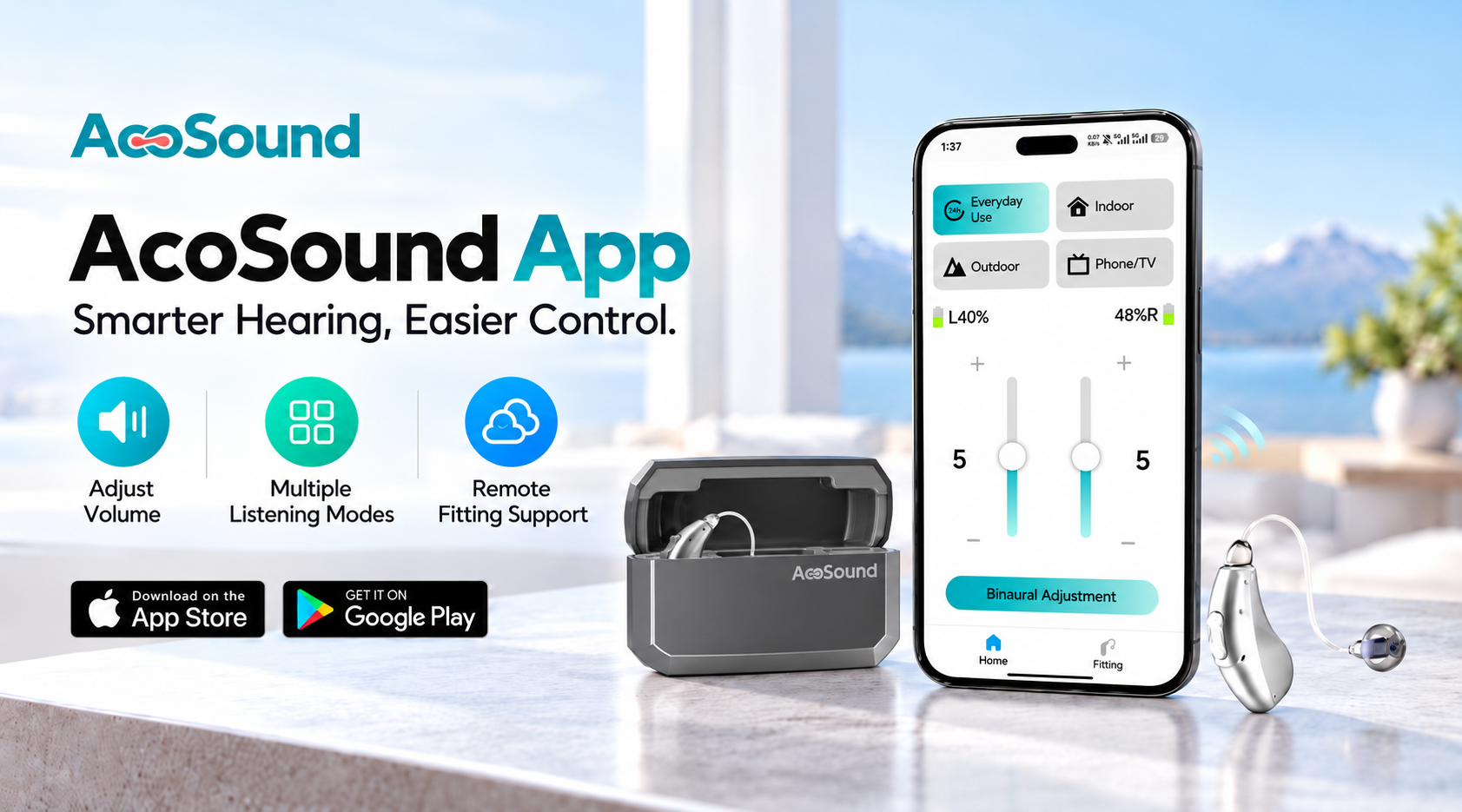
3. Connect to the AcoSound App
For compatible app-enabled hearing aids:
Confirm that your hearing aid model supports the app.
Install the appropriate AcoSound App version.
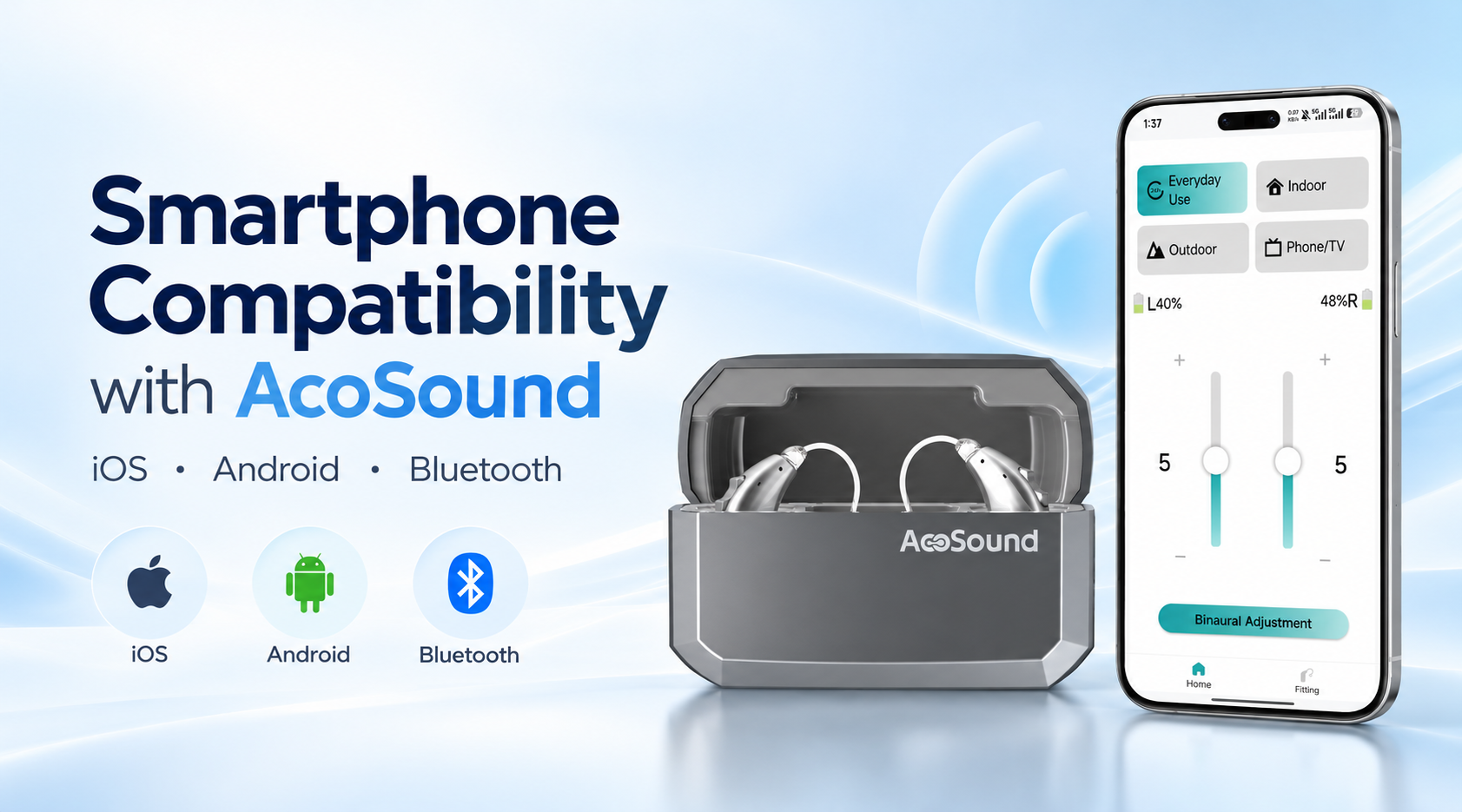
Enable Bluetooth on your smartphone.
Follow the pairing instructions for your device.
Open the app and access the available hearing aid controls.
App availability and supported functions vary by model.
4. Daily Use & Maintenance
Cleaning Your Hearing Aids
Keep your hearing aids clean and dry.
Use the cleaning tools recommended for your device. Gently remove visible debris and inspect the sound outlet according to the product instructions.
Charging & Battery Care
For rechargeable models, use the specified charging accessories and follow the recommended charging procedure.
Avoid using damaged chargers or incompatible power accessories.
Moisture & Temperature Protection
Protect your hearing aids from excessive moisture, high temperatures, and direct exposure to water unless the product instructions specifically permit such use.
Storage
Store your hearing aids in a clean, dry, and secure location when not in use.
Follow the storage instructions for your model.
5. Basic Troubleshooting
No Sound
Check the battery or charging status, confirm the device is powered on, and inspect the sound outlet for blockage.
Low Volume
Check the available volume settings and make sure the hearing aid is positioned correctly.
App Connection Problems
Confirm Bluetooth is enabled, check model compatibility, and follow the recommended reconnection procedure.
Charging Problems
Check the charging contacts, cable, and compatible power supply according to the device instructions.
If the issue continues, contact AcoSound support or your authorized hearing care provider.
6. Product Manuals & Technical Documents
Looking for a user manual for your AcoSound hearing aids?
AcoSound provides model-specific user guides and technical documentation to support product setup, daily operation, and maintenance.
To request the appropriate documentation, please contact our team with your hearing aid model number.
Need Additional Assistance?
Looking for product manuals, setup guidance, or technical information? Our team is here to support distributors, hearing care professionals, and business partners.
Request a User Manual →
Contact Technical Support →
 EN