Find the Right Connection for Your Hearing Aids
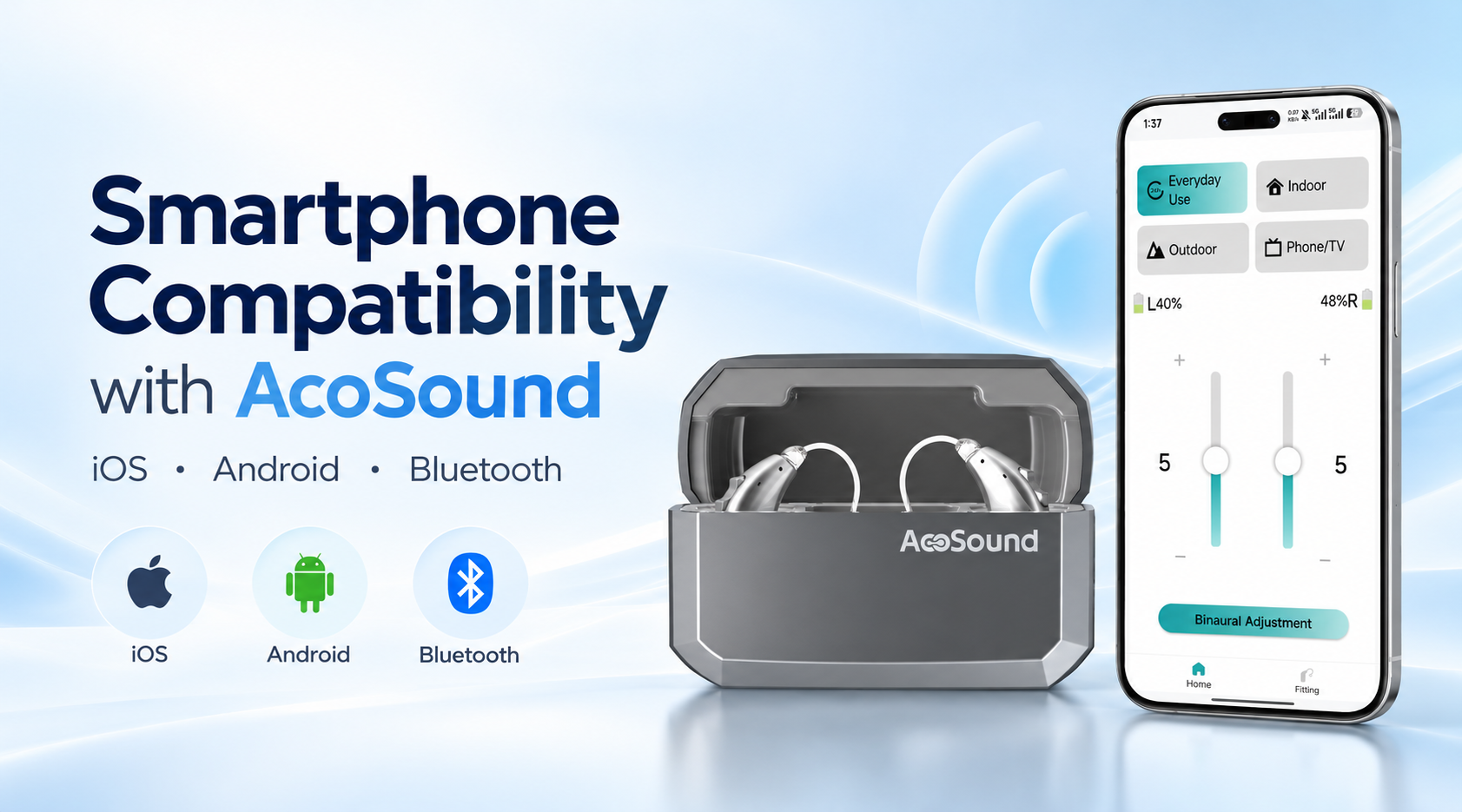
Smartphone compatibility is an important consideration when using app-enabled hearing aids.
AcoSound offers hearing aid solutions with different connectivity and adjustment capabilities. Supported functions may vary depending on the hearing aid model, smartphone, operating system, and app version.
This guide helps users and business partners understand the key factors involved in device compatibility.
Understanding Connectivity Features
1. App-Based Hearing Aid Control
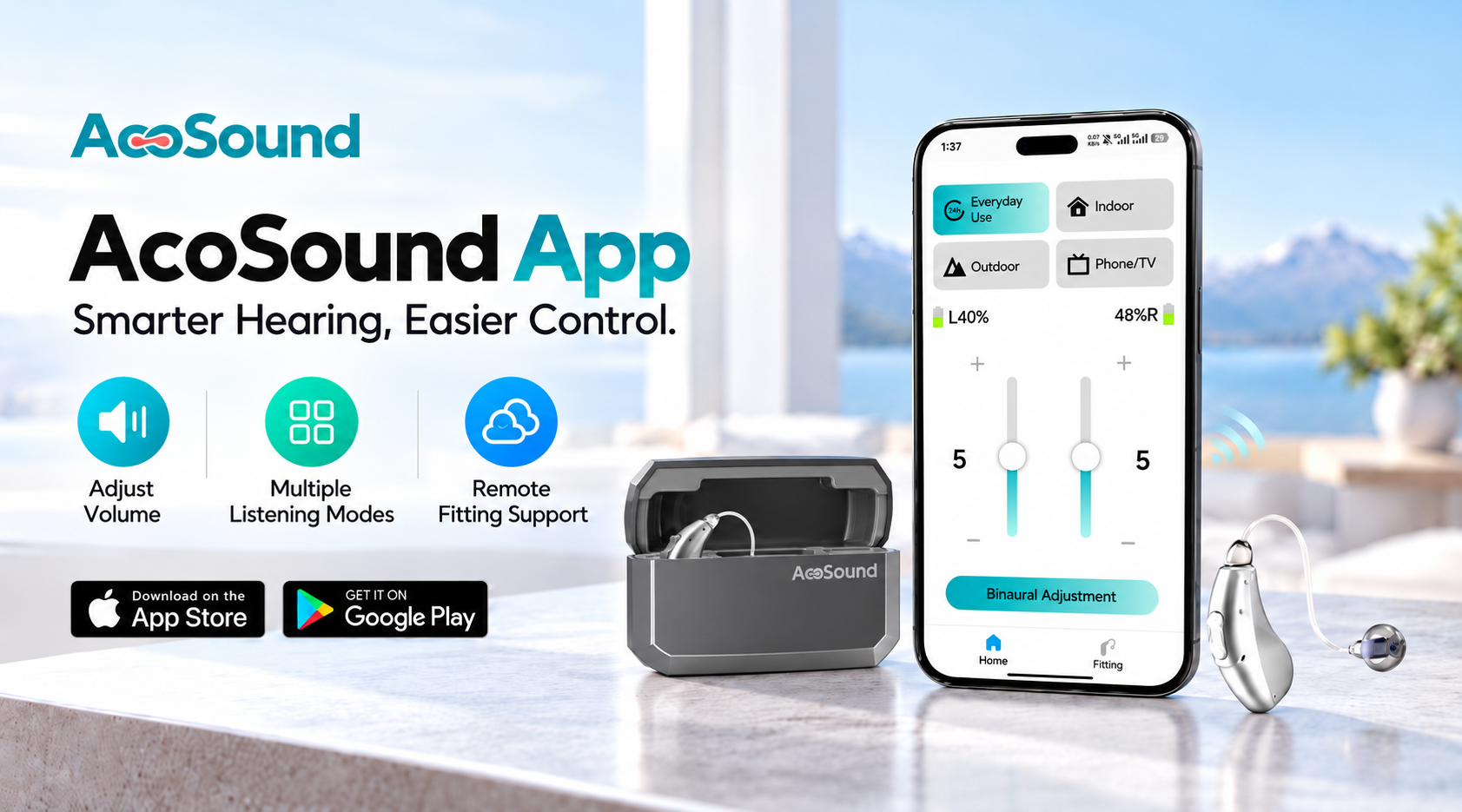
Compatible AcoSound hearing aid models can connect to the designated mobile app to access available user controls.
Depending on the device model, supported features may include:
Volume adjustment
Listening program selection
Independent left and right control
Device status information
App control compatibility should be confirmed for each hearing aid model.
2. Bluetooth Audio Streaming & Phone Calls
Selected AcoSound hearing aids support Bluetooth audio streaming, allowing users to enjoy music and phone calls through compatible smartphones.
Depending on the hearing aid model and smartphone compatibility, available features may include:
Bluetooth audio streaming and app-based hearing aid control are separate functions.
Not all AcoSound hearing aids support direct audio streaming. Available features depend on the hearing aid model, Bluetooth technology, smartphone, and operating system.
Please check product-specific compatibility information before use.
3. Professional Fitting Compatibility
Professionally programmable hearing aids may require specific fitting software, programming equipment, or compatible fitting accessories.
These requirements are separate from ordinary smartphone app controls.
Hearing care professionals and distributors should confirm the fitting requirements for each product model.
Smartphone Compatibility
Apple Devices
Selected AcoSound hearing aids offer app-based control and Bluetooth connectivity features for compatible Apple devices.
Depending on the hearing aid model and iOS compatibility, supported functions may include hearing aid adjustments, music streaming, and phone call audio.
Android Devices
AcoSound offers hearing aid solutions with connectivity features for compatible Android smartphones.
Supported functions vary depending on the hearing aid model, Android version, smartphone manufacturer, and Bluetooth compatibility.
Not all smartphones and hearing aid models support the same wireless features.
For accurate compatibility information, please contact AcoSound with your hearing aid model and smartphone details.
How to Check Compatibility
Step 1 — Identify Your Hearing Aid Model
Locate the model name on the product packaging, device documentation, or product information.
Step 2 — Check Your Smartphone
Confirm your smartphone model and operating system version.
Step 3 — Verify Supported Functions
Identify the features you need, such as app control, audio streaming, or professional fitting support.
Step 4 — Follow the Connection Instructions
Use the official pairing instructions for your specific hearing aid model.
Step 5 — Contact AcoSound if Needed
If compatibility remains unclear, contact our technical support team with your hearing aid and smartphone model details.
Information for Distributors & Hearing Care Professionals
For product evaluation or technical support, we recommend confirming the following information:
Exact hearing aid model
Smartphone model and operating system
Supported app version
Available wireless features
Professional fitting requirements, where applicable
Need to Verify a Specific Model?
Contact AcoSound for model-specific compatibility information and technical guidance.
Check Product Compatibility →
 EN